
Choosing the Right Screen: A Buyer's Guide to Commercial Displays
One of the most common questions we get from clients is: "What type of screen do I need?" It seems straightforward, but the right answer depends on where the screen will be used, how long it will run each day, what it needs to display, and whether it will be viewed in bright or controlled lighting. Choosing the wrong type can mean a screen that fails prematurely, looks washed out, or simply isn't fit for purpose.
This guide covers the main categories of commercial display and when each one is the right choice.
Commercial displays vs consumer TVs
Before anything else: for any business or public-facing use, always specify a commercial display rather than a consumer TV. Commercial screens are built to run continuously — they carry higher brightness ratings, better thermal management, longer warranties (typically three years on-site), and are rated for 16/7 or 24/7 operation. Consumer TVs are designed for a few hours of home viewing per day and will fail quickly when run as signage.
Standard commercial displays: the everyday workhorse
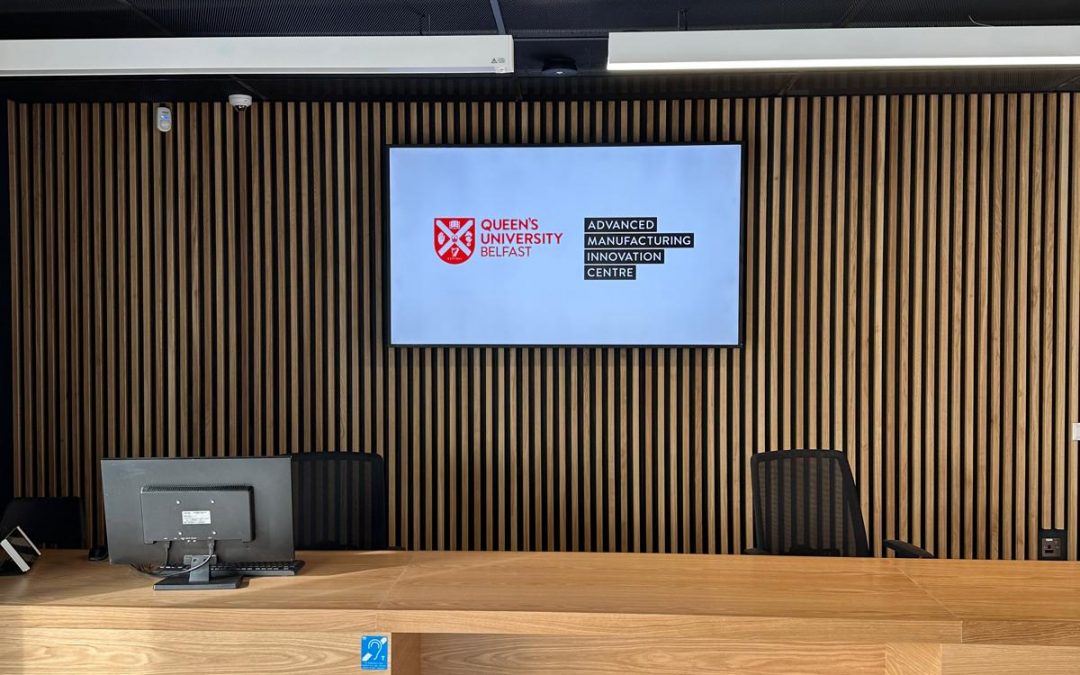
For most indoor environments — reception areas, boardrooms, corridors, restaurants, retail interiors — a standard commercial LCD display is the right choice. Typical brightness is 300–500 nits, which is more than adequate in a controlled indoor environment away from direct sunlight.
These screens are available in sizes from around 32" up to 98", with 55" and 75" being the most common in commercial installations. Most include a built-in media player for basic signage use, or can be connected to a dedicated media player or PC. Look for screens with a landscape/portrait rotation capability if there's any chance your use case might change.
Best for: reception areas, meeting rooms, restaurants, retail interiors, corridors, staff areas.
High-brightness displays: for windows and bright environments
If a screen needs to be seen in a window, under skylights, or in a brightly lit environment, a standard display will appear almost invisible in daylight. High-brightness displays typically output 2,000–5,000 nits — up to ten times the brightness of a standard screen — making them clearly visible even in direct sunlight.
These are most commonly used in estate agent windows, retail shop fronts, travel agents, betting shops, and any environment where the screen competes with natural light. They draw more power and generate more heat than standard displays, so proper ventilation is important.
Best for: window-facing displays, sunlit atriums, outdoor-facing kiosks, retail shop fronts, estate agents.
24/7 rated displays: for continuous operation
Some environments need screens running around the clock — transport hubs, hotel lobbies, hospitals, control rooms, or any venue that operates continuously. A standard commercial display rated for 16/7 operation (16 hours a day) will degrade much faster under 24/7 use.
Screens with a 24/7 duty cycle rating are built with enhanced cooling, higher-grade components, and longer MTBF (mean time between failures). The on-site warranty and replacement response time matters here too — look for next business day replacement as a minimum for mission-critical installations.
Best for: transport hubs, hospitals, hotel lobbies, control rooms, 24-hour venues, anywhere a screen failure would cause a real problem.
LED video walls: large format and high impact
For large-format display — anything above around 110" — an LED video wall is usually the better choice over a very large LCD panel. LED walls are built from modular tiles and can be assembled to virtually any size or aspect ratio. There is no bezel, and at normal viewing distances (typically 3 metres or more) the individual pixels are not visible.
Indoor LED typically uses a pixel pitch of 1.5mm–3mm. Tighter pixel pitches look better at close viewing distances but cost more. Outdoor LED uses a larger pixel pitch (4mm–10mm) and much higher brightness to compete with daylight.
LED walls require more planning and installation work than a flat panel — structural fixing, power distribution, and signal routing all need to be designed properly. But for a statement installation in a lobby, event space, retail flagship, or broadcast environment, nothing else competes for visual impact.
Best for: large lobbies, event spaces, retail flagships, broadcast studios, control rooms, outdoor advertising, anywhere that needs genuine visual impact at scale.
Interactive touchscreen displays
If visitors or staff need to interact with content — wayfinding, product lookups, self-service information, or collaborative working — you need a display with an integrated touch layer. Commercial touchscreens are typically available from 32" up to 86", with some manufacturers producing larger formats.
For educational and meeting room use, interactive flat panels from manufacturers such as Samsung, Clevertouch, and ViewSonic offer built-in annotation, whiteboarding, and wireless presentation. For public-facing kiosk use, look for screens with hardened glass and anti-vandal ratings where appropriate.
Best for: wayfinding, self-service kiosks, meeting rooms, education, retail product browsers, visitor attraction interactives.
Summary: which screen do you need?
| Environment | Recommended type |
|---|---|
| Indoor, controlled lighting | Standard commercial display (300–500 nits) |
| Window-facing or sunlit space | High-brightness display (2,000–5,000 nits) |
| Continuous / 24-hour operation | 24/7-rated commercial display |
| Large format, seamless display | LED video wall |
| Visitor or staff interaction | Commercial touchscreen display |
Not sure which applies to your project? Get in touch with Fluid AV and we'll advise on the right specification. We supply and install commercial displays across Northern Ireland and Scotland — from a single screen to a multi-site network. You can also read more about our digital signage installations and LED video wall solutions.
Recent Comments